![bj-logo-grey.svg]](https://support.bestjobs.eu/hubfs/bj-logo-grey.svg)
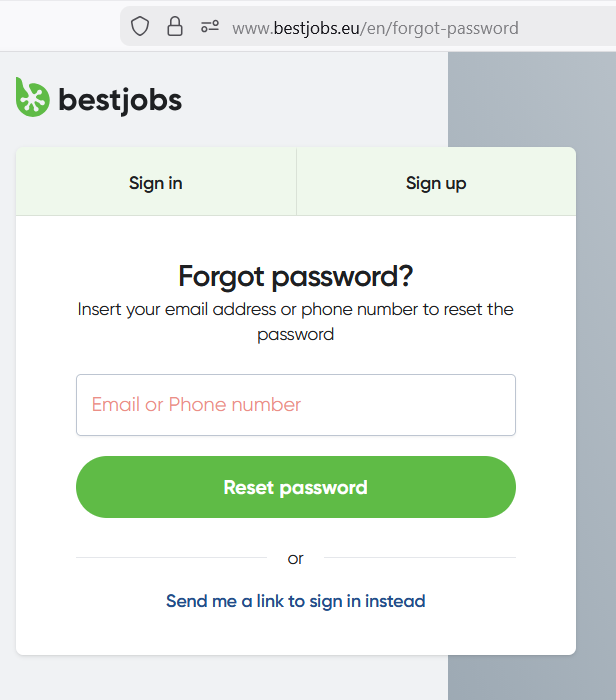
To reset your password, follow the steps below:
- Click the Forgot password? link on the login page.
- In the corresponding field, enter the email address or phone number you used to register your account.
- Make sure you enter the correct email address or phone number associated with your account, paying attention to uppercase and lowercase letters, numbers, and special characters.
- You will receive a password reset link by email or a code via SMS, depending on the method you provided. Open the link or enter the code on the corresponding page to set a new password for your account.