![bj-logo-grey.svg]](https://support.bestjobs.eu/hubfs/bj-logo-grey.svg)
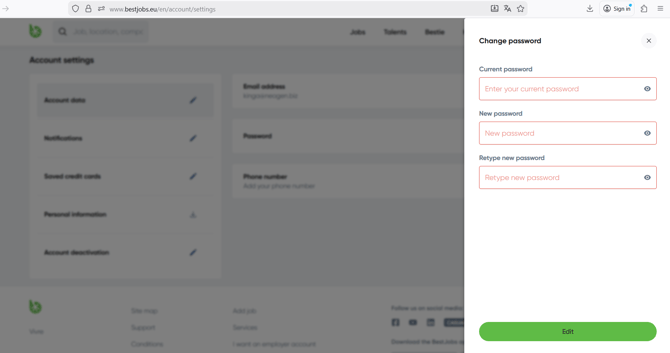
Click the three lines in the top right and access the Account settings page. Under Account data, select the Password section and click the pencil icon to the right of it. In the window that opens, enter your current and new passwords, then click on Edit.